
Meet Viv, your everyday work companion.
Connected and always there.
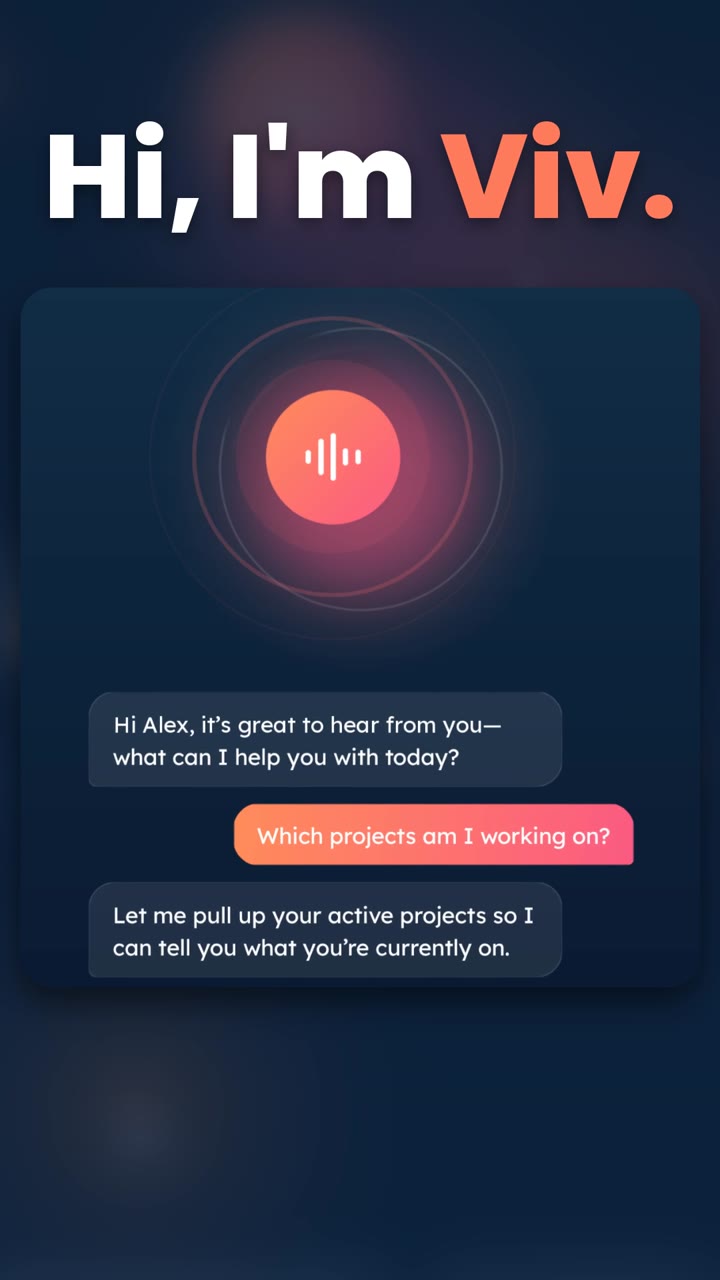
Viv is the voice assistant in ViviScape Work Mobile. She’s one tap away: tap Ask Viv, talk naturally, and she helps with your tasks, your time and your notes.

Free to download. iPhone with iOS 15.0 or later, or Android 7.0 or later.
The lamp that’s always lit.
Work comes at you while your hands are full: between jobs, on the move, with a task you can’t quite put down. A lighthouse keeper doesn’t chase anyone. She keeps one lamp lit, and it’s there when you look up.
That’s Viv. One tap on Ask Viv and she’s listening. Ask what’s on your plate, clock in, start a timer or add a task. She answers out loud, she works across the parts of ViviScape Work you already use, and she checks with you before she changes anything.
Viv will remember what you choose. You’ll decide what she keeps.

One tap from anywhere in ViviScape Work Mobile.
Screens from the Android app.
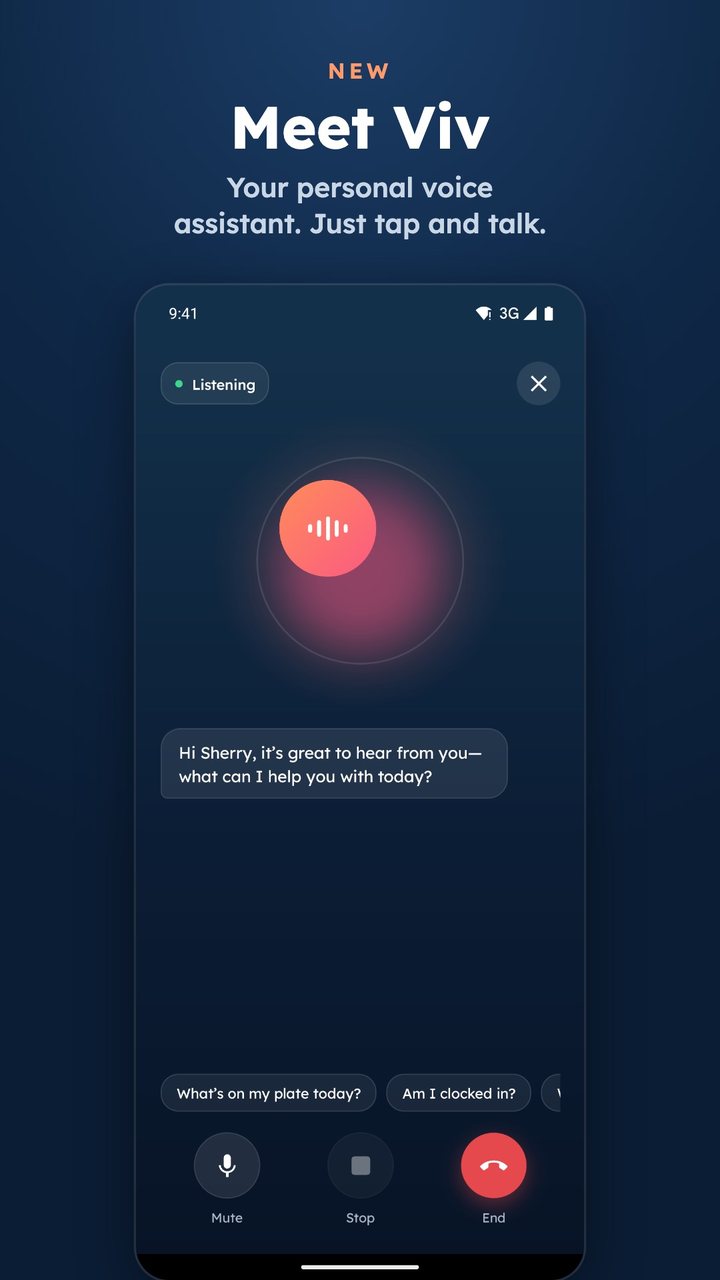
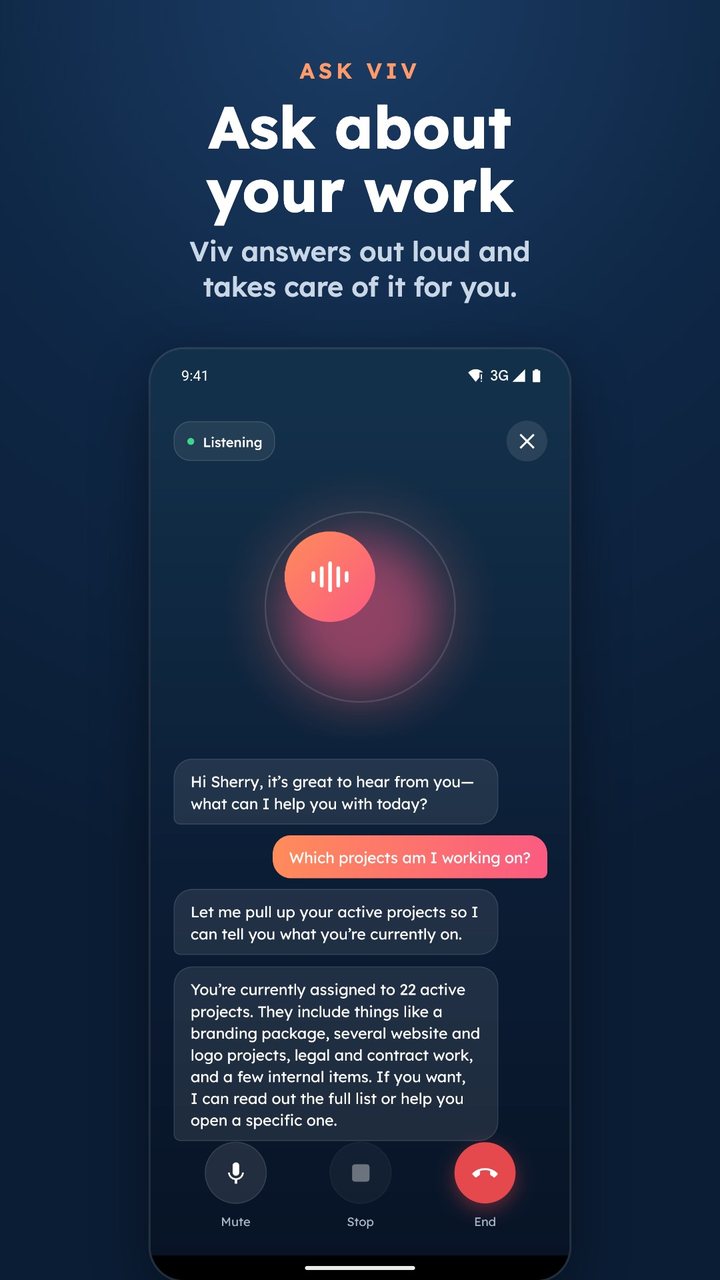
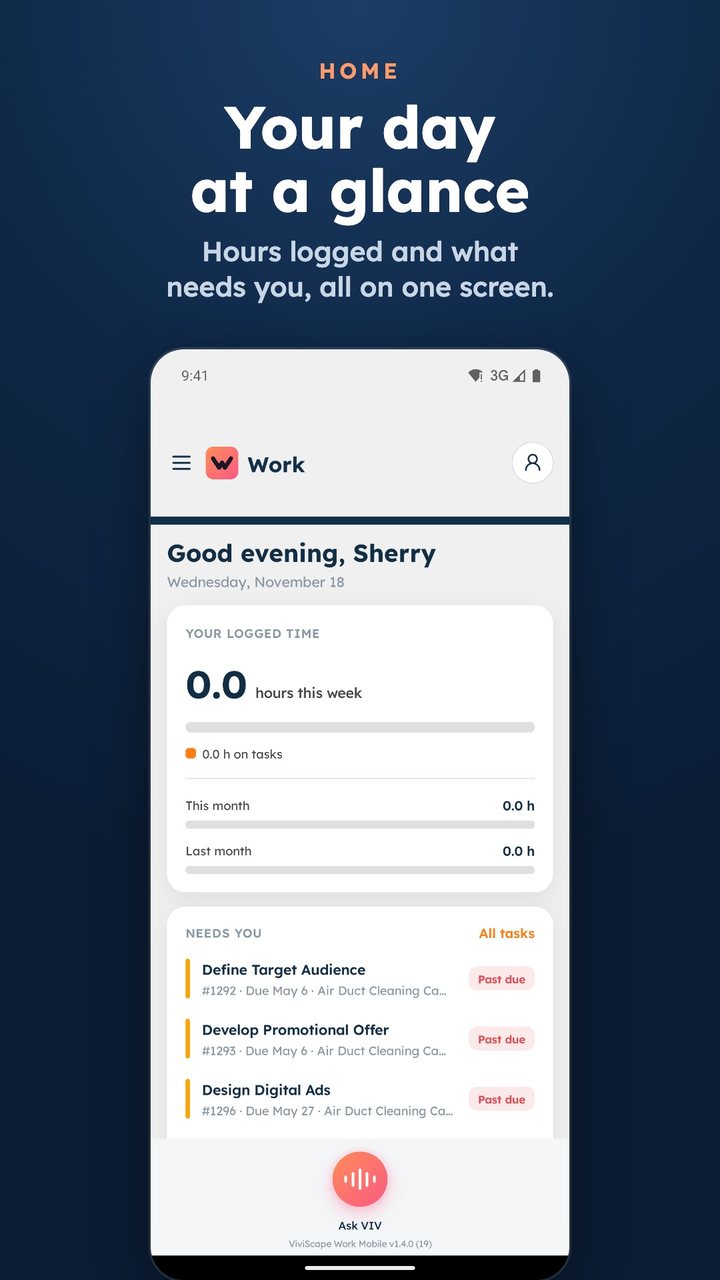
Your everyday work companion, one tap away.
Ask Viv, out loud
Tap Ask Viv and talk the way you would to a coworker. She answers out loud, and you can interrupt her whenever you like.
Works where your work is
Viv works across your tasks and projects, to-dos, task timers, the time clock, chat rooms and artifacts. Time logs (Pro), notes (Premium) and tickets (Enterprise) come with those plans.
Checks with you first
She confirms before she changes anything, so you stay in charge of your work.
Memory you control
Viv will remember what you choose. You’ll decide what she keeps.
In What Viv remembers you can view, search and delete what she remembers.
Hold that thought
Say “Viv, hold that thought” and the idea waits for you on the Held Thoughts screen.
A Home overview
A new Home screen shows the hours you’ve logged and what needs you, all in one place.
Viv comes with your plan.
Viv is included on every ViviScape Work plan except Recorder-only plans, and some of the tools she works with need a higher plan. ViviScape Work Mobile is free to download. See the plans.
Questions about Viv
What is Viv?
Viv is the voice assistant in ViviScape Work Mobile: your everyday work companion, connected and always there. Tap Ask Viv, talk naturally, and she helps with your tasks, time and notes.
How do I talk to Viv?
Tap Ask Viv in ViviScape Work Mobile and start talking. She answers out loud, and you can interrupt her at any point. Viv listens when you tap Ask Viv; there is no wake word, and she works by voice rather than typed chat.
What can Viv help with?
Viv works across your tasks and projects, to-dos, task timers, the time clock, chat rooms and artifacts. Time logs are available on Pro, notes on Premium and tickets on Enterprise, so what she can reach depends on your ViviScape Work plan.
Will Viv change things without asking me?
No. Viv confirms with you before she changes anything.
What does Viv remember?
Viv will remember what you choose. You’ll decide what she keeps. In What Viv remembers you can view, search and delete what she remembers.
What are Held Thoughts?
Say “Viv, hold that thought” and Viv parks the idea so you can come back to it. Your held thoughts are on the Held Thoughts screen.
Is Viv on both iPhone and Android?
Yes. Viv is in ViviScape Work Mobile on iPhone (App Store) and on Android (Google Play).
What do I need to use Viv?
ViviScape Work Mobile is free to download. It runs on iPhone with iOS 15.0 or later and on Android 7.0 or later. Sign in with your ViviScape Work account.
Is Viv included with my ViviScape Work plan?
Viv is included on every ViviScape Work plan except Recorder-only plans, and some tools need a higher plan. See the pricing page for the plans.
Meet Viv. She’s one tap away.
Connected and always there.