core
Projects
Keep tasks, people, reference materials and deliverables connected to the project.
- Task owners, dates & milestones
- Project staff & client contacts
- Files & versioned artifacts
Stop integrating. Stop syncing. Stop reconciling. ViviScape Work ships every operational app your team needs inside a single, governed environment — sharing the same data, the same identities, and the same audit trail.
ViviScape Work includes connected apps across three groups: execution — tasks and time tracking, projects, customers and invoicing; intelligence — insights, dashboards and AI Studio; and governance — activity logs, roles and permissions, and spaces. These apps share one data model, so nothing needs reconciling between them.
Run the work. These are the apps your team lives in every day.
Keep tasks, people, reference materials and deliverables connected to the project.
Granular task tracking with built-in time logging. Every hour rolls up to a project, a customer, and an invoice line.
A relationship system, not a record system — now powered by the full SalesFront CRM: a drag-and-drop pipeline, automatic lead scoring, and weighted forecasting on one customer timeline.
Invoices flow from project data. Send, track, dunning. Stripe and ACH built in. No reconciliation gymnastics.
Keep customer and product context with a request, guide staff investigation and record a reviewed outcome. Enterprise or Help Desk add-on.
Notes that turn into next steps. Capture context, organize notebooks and choose which AI suggestions become personal to-dos. Notes, including AI Suggestions and Magic Wand, is included on Pro and higher. Existing plan AI-credit allowances are unchanged. AI Studio and integrations have separate access requirements.
Artifacts keep rich HTML reports, prototypes and file packages with the work that produced them. Retain versions, attach the deliverable to a task or project, and share a review link when permitted.
Explore artifacts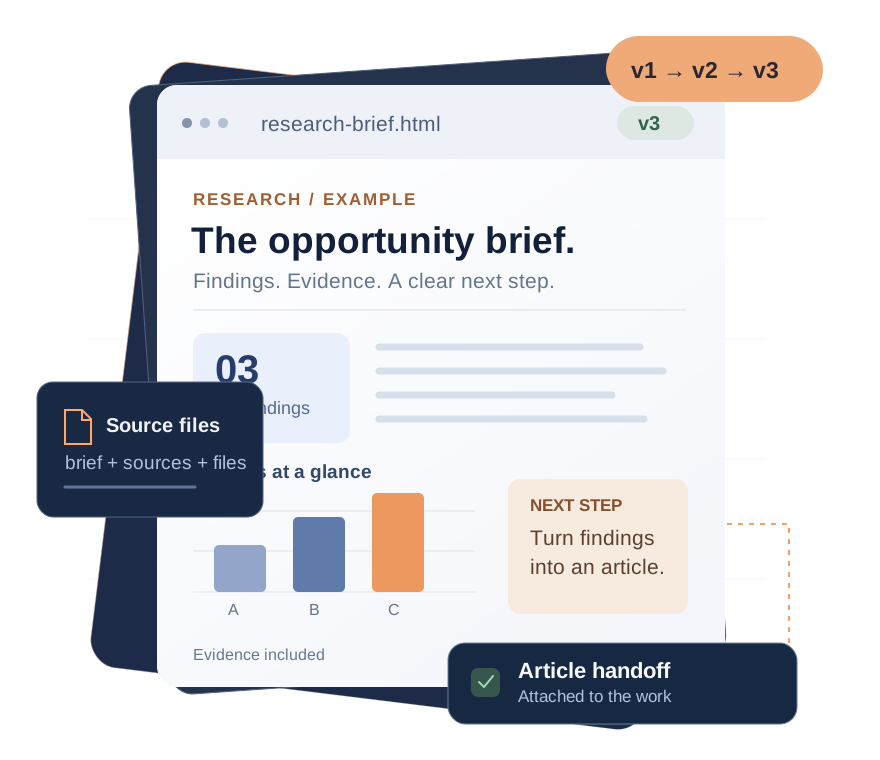
Bring the question, available context and prior knowledge together. Your team reviews the answer and decides what becomes the next step.
Saved conversations with automatic or selected notes, tasks, time and commits as context. Save useful output to Notes or an SOP draft.
Premium & Enterprise. AI uses the account allowance.
Explore AI StudioBring relevant indexed tickets, resolutions, SOPs, notes, products and commits into the investigation, with freshness and budget visibility.
Enterprise. Available indexed knowledge depends on configuration.
Explore Second BrainEvery action in ViviScape Work is attributed to a user and recorded in an activity log, and what each person can see is set by role and by space. Admins and project managers see more than members, and client collaborators invited to a project see that project alone — not your other customers, rates or internal notes.
Operational dashboards — utilization, margin, cycle time, deal velocity. Real-time, not warehouse-lagged.
Every change, every action, every API call. Append-only audit trail with attribution, diff, and replay.
If-this-then-that, governed. Trigger workflows from any state change. No-code editor, scripted overrides when you need them.
RBAC + record-level ACLs. Define who can see, edit, and act on what. Built for regulated environments, with SMS two-factor at sign-in.
Centralized file and asset storage with versioning. Attached to customers, projects, tickets — searchable, governed.
Org chart, roles, PTO, onboarding flows. Your team as structured records — not a spreadsheet on someone's laptop.
Work connects apps for tasks and time, Projects, SalesFront, invoices, Notes, media, collaboration, insights and AI. Apps share workspace context; availability and access depend on the plan and module. Browse the Products overview for direct links.
AI Studio is available on Premium and Enterprise. Saved threads use automatic or selected notes, tasks, time and commits as available context. Review the answer, then save useful output to Notes or an SOP draft. Source titles and relevance indicators are not verified citations for every claim.
You can log time against an activity type alone, but nearly every useful report groups by project and customer. Creating a project takes seconds and is what makes hours reportable, billable and attributable, so most teams set one up on day one.
Notes is included on Pro, Premium and Enterprise, subject to module access. AI Studio requires Premium or Enterprise; Second Brain requires Enterprise. Notes AI Suggestions and Magic Wand are included. Existing plan AI-credit allowances are unchanged; integrations retain their separate access requirements.
Yes. Invoicing is included from the Pro plan upward at no extra cost. Invoices are built from tracked billable time already attributed to a customer and project, and can be pushed to QuickBooks Online with separate integration access on Premium or Enterprise.
Spin up a workspace in 60 seconds and replace your stack at your own pace.
Start free